
Reference

The fowwoods App: Your Lobby on Any Screen

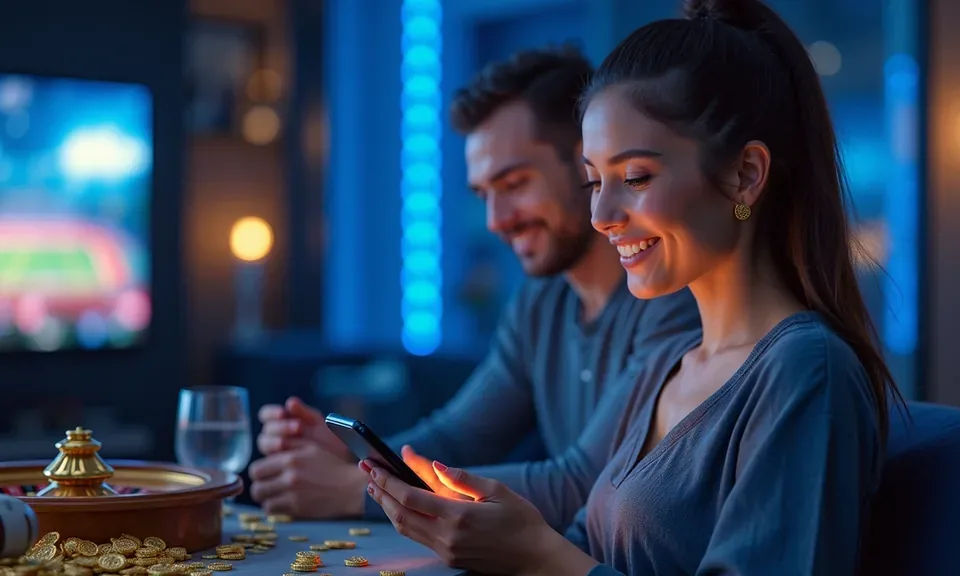
The fowwoods app experience starts in your mobile browser — slots, live dealer tables, and the NFL sportsbook load without a native install required.

Mobile browser readyAccount wallet accessDevice compatibility checkState eligibility appliesNo forced download required
fowwoods The fowwoods App: Your Lobby on Any Screen
fowwoods Slots, Live Tables and Betslip on the Go

Slots, Live Tables and Betslip on the Go

Pull up Grand Canyon Riches or High Limit Baccarat from your phone and they render cleanly — no lag, no broken layout. The fowwoods mobile experience adds quick-deposit prompts so your PayPal or Venmo balance is one tap from hitting your account. Push notifications flag when live NFL lines update or a new session at the live dealer floor opens. Fingerprint login

keeps the sign-in step short. Players in Chicago reach the lobby in seconds on a standard 4G or Wi-Fi connection, with the full betslip available for same-game parlays on football and NBA player props.

APP FEATURE SNAPSHOT

Four Things the App Does Better Than Desktop

These aren't desktop features ported over — they're built around the way you actually use your phone: quick taps, face unlock, and a screen that doesn't drain your eyes at midnight.

Biometric Login Face ID or fingerprint authentication cuts the password step entirely. Your account opens in one touch, so you're at the lobby before the desktop even wakes up.
Push Notifications Opt in and we'll ping you when NFL lines move, a live Baccarat seat opens, or your withdrawal clears to your PayPal wallet.
Dark Mode Display The app interface switches to a dark color scheme automatically based on your phone's system setting, making late-night sessions easier on your eyes.
Quick Deposit Shortcut A persistent deposit button stays visible across slots and table games. Tap it, choose PayPal, Venmo, or Play+, confirm the amount, and you're back in the game.
fowwoods Mobile Access in 3 Steps

Mobile Access in 3 Steps

Getting the fowwoods mobile experience running on your phone doesn't require an app store visit. The browser-based path works across iOS Safari and Android Chrome without any file download. Here's how to get your session up and running cleanly.

  • Open the current site — Navigate to fowwoods in your mobile browser. The layout shifts automatically to fit your screen — no separate mobile URL needed.
  • Check app availability — Inside your account settings, look under the Mobile section to see whether a dedicated app build is currently available for your device and eligible state.
  • Sign in securely — Use your existing account credentials or enable biometric login if your device supports it. Two-factor verification is available for added account security.
  • Pin it to your home screen — On iOS, tap Share then Add to Home Screen. On Android, use Add to Home Screen from your browser menu. It opens like an app without occupying app-store storage.

What Works and How to Verify It

Not every device or state setup will behave identically. Use the checklist below to confirm your setup before you sit down for a live Baccarat session or lock in a same-game parlay on an NFL game.

Browser AccessiOS Safari and Android Chrome are the primary supported browsers. Firefox and Edge on mobile work for most games, but live dealer streams perform most consistently on Safari or Chrome.
Screen LayoutThe lobby adapts to portrait and landscape. Landscape mode is recommended for live dealer tables; portrait works fine for slots like Bayou Crash and Grand Canyon Riches.
Account RequirementsYour account must be verified before you can make deposits or withdrawals through the mobile interface. Identity verification is completed once, inside your account profile.
State EligibilityMobile access mirrors the same state-law requirements as desktop. If fowwoods is available where you are under local law, the mobile lobby is also available to you.
Supported Device CheckFor the current list of tested devices, check the Help section inside your account. We update that list when new device generations are confirmed compatible.

What People Ask About the fowwoods App

Straight answers to the questions we hear most often about the fowwoods mobile experience — how it works, what your phone needs, and where to check if something isn't loading right.

No download is required to get started. The mobile browser version runs the full lobby. Check your account settings to see if a native app build is currently available for your device.

Yes. PayPal, Venmo, and Play+ all work through the mobile interface exactly as they do on desktop. The quick-deposit button keeps the process to two taps.

Biometric login is available on devices that support Face ID or fingerprint recognition. Enable it in your account security settings after your first sign-in.

The full sportsbook betslip is available on mobile, including same-game parlays and player props for the NFL, NBA, MLB and college football, where state law permits.

Switch to Chrome or Safari if you're on a different browser, and confirm you have a stable connection. For persistent issues, reach out to our live chat support from within your account.

Availability depends on your state's laws. If fowwoods is accessible under local law where you are, the mobile lobby and all its features are open to you on eligible devices.
Reference

fowwoods App

Service availability depends on eligible states and local law. US online casino and sportsbook access is licensed state by state, so check your state's rules before opening an account. 21+ where applicable.

Access may be available only in states where local law permits.